Repository navigation
Game filters: wrong size? #2258
Description

Code snippet reproducing the issue:
PlayState.hx
package;

import flixel.text.FlxText;
import flixel.system.FlxAssets.FlxShader;
import openfl.filters.ShaderFilter;
import flixel.FlxG;
import flixel.FlxState;

class PlayState extends FlxState
{
	override public function create():Void
	{
		super.create();
		FlxG.game.setFilters([new ShaderFilter(new BorderShader())]);
		FlxG.game.filtersEnabled = true;

		var text = new FlxText();
		text.text = "Hello World!";
		text.screenCenter();
		add(text);
	}

	override public function update(elapsed:Float):Void
	{
		super.update(elapsed);
		if (FlxG.mouse.pressed) FlxG.camera.shake(0.01, 0.1);
		if (FlxG.keys.anyJustPressed([ONE])) FlxG.game.filtersEnabled = !FlxG.game.filtersEnabled;
	}
}


class BorderShader extends FlxShader
{

	@:glFragmentSource("
        #pragma header

		void main()
		{
			vec2 uv = openfl_TextureCoordv;
			vec3 col = texture2D(bitmap, vec2(uv)).rgb;

			if ((uv.x > 0.0 && uv.x < 0.2) || (uv.x < 1.0 && uv.x > 0.8) || (uv.y > 0.0 && uv.y < 0.2) || (uv.y < 1.0 && uv.y > 0.8)) {
				gl_FragColor = vec4(1., 0., 0., 1.);
				return;
			}
			gl_FragColor = vec4(col, 1.);
		}
	")

	public function new()
	{
        super();
	}
}
Observed behavior:
Game filters appear to detect wrong game size.
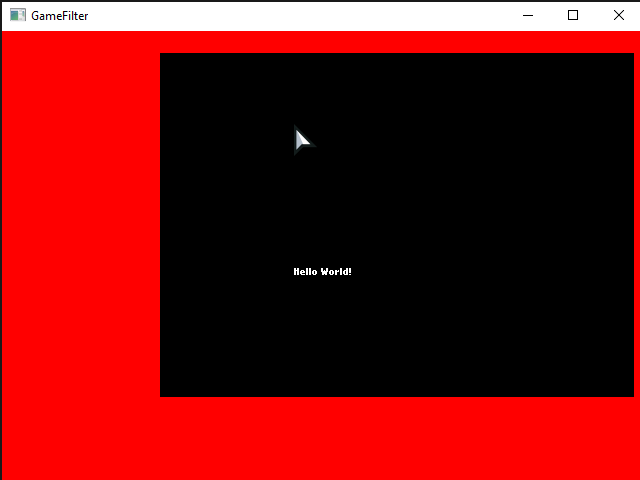
This is filter applied to whole game
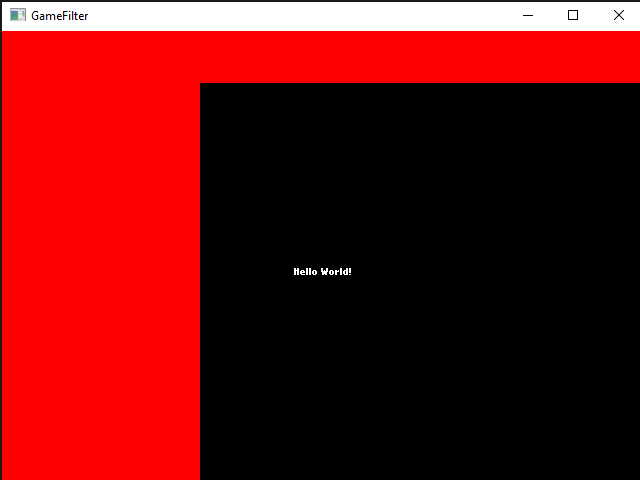
This is filter applied to whole game after a camera shake
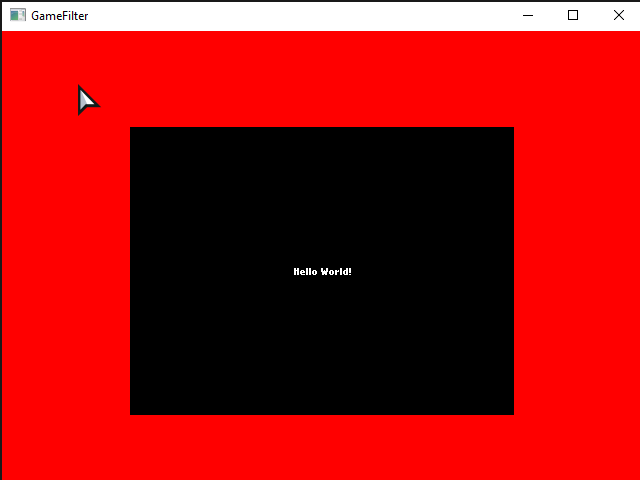
This is filter applied to camera
Expected behavior:
Game filter to look like camera filter
In last image bottom border != top border because screenshot cut lowest part to keep window toolbar (dunno why).
Activity
Vulpicula commentedon Jan 26, 2022
^can confirm issue is still present on the latest version of HaxeFlixel, having similar issues right now with shaders I've attempted to apply via FlxG.game.setFilters.
After moving the cursor to the far right side of the screen something seems to snap, causing the entire shader to seemingly bug out. Decided this bit to my shader to test in the same way, with the following results:
if ((uv.x > 0.0 && uv.x < 0.2) || (uv.x < 1.0 && uv.x > 0.8) || (uv.y > 0.0 && uv.y < 0.2) || (uv.y < 1.0 && uv.y > 0.8)) { gl_FragColor = vec4(1., 0., 0., 1.); return; }On game boot:
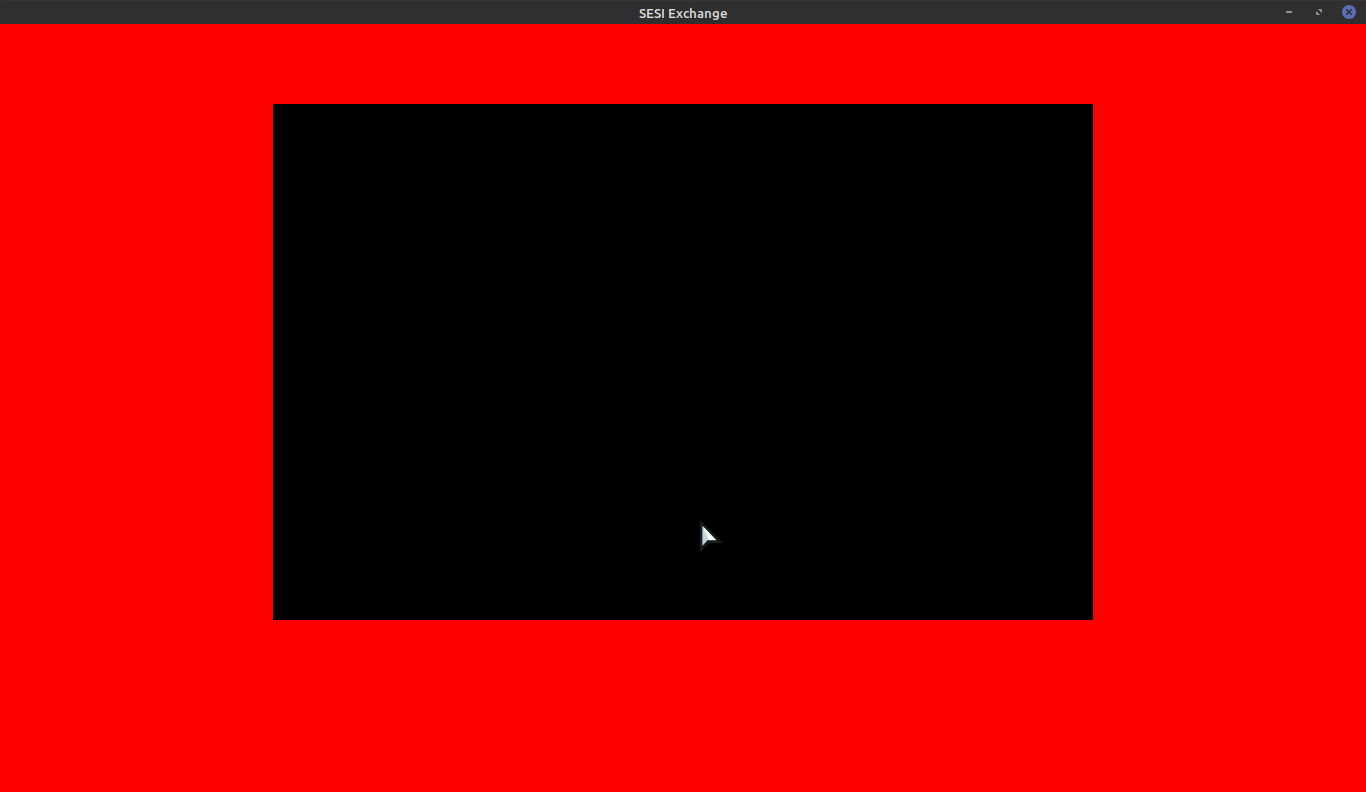
After moving cursor to the right edge of the screen:
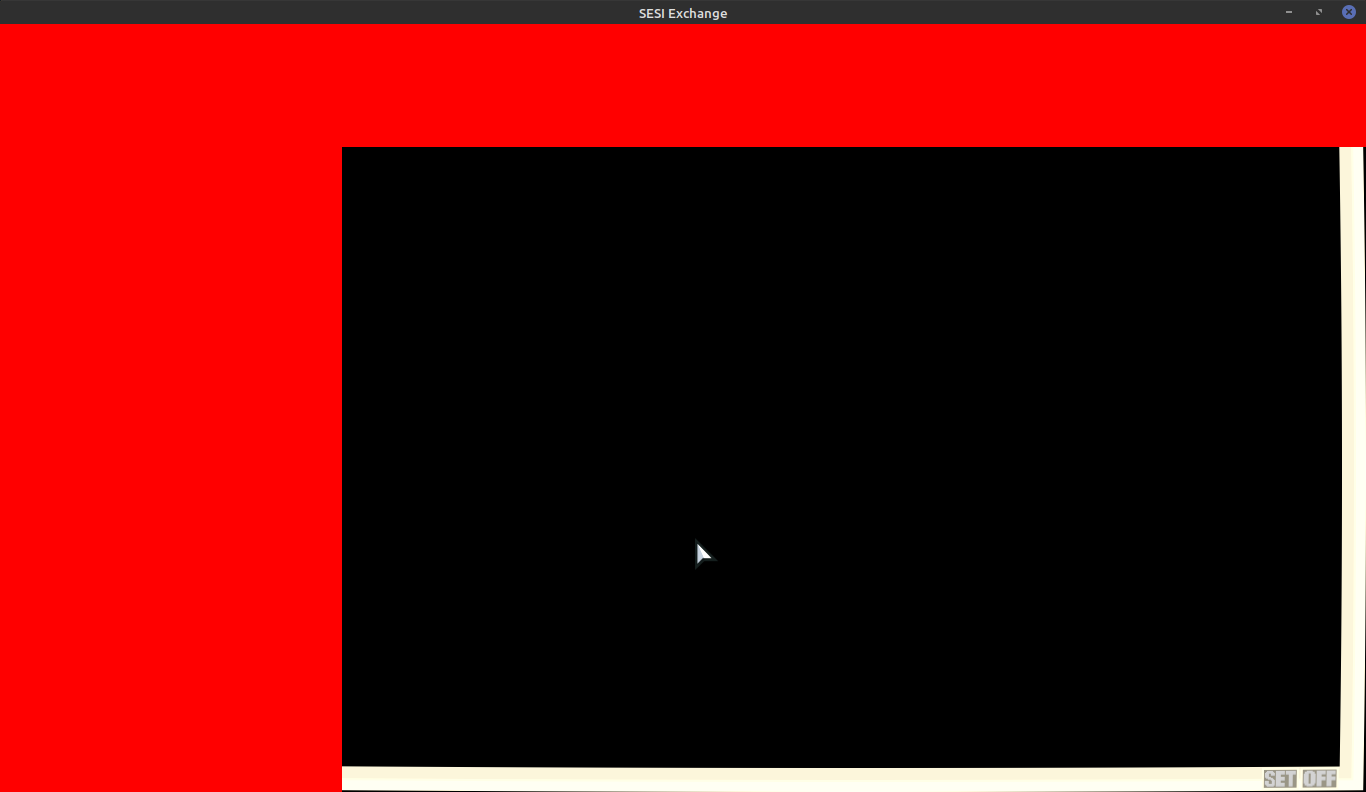
Main reason I'm using FlxG.game.setFIlters here is that standard FlxCamera stuff doesn't work so well with things like OpenFL Textfields.
T1mL3arn commentedon Dec 14, 2023
The problem also appears on resize even on camera filters. So when I go to fullscreen and back the picture get screwed. What are flixel/openfl internals to hold actual bitmap? If ti is possible to get it and pass to the shader then problem can be solved, I believe. Related issue #2181.
T1mL3arn commentedon Dec 14, 2023
As a temp solution for such case - reset camera
Geokureli commentedon Dec 14, 2023
Should flixel fix this? Maybe here
Edit: wait this code removes all cameras, that seems like a nuclear option
nebulazorua commentedon Apr 1, 2024
Something similar appears to happen when resizing a window (specifically maximizing and unmaximizing)
Gonna try to get a minimal repro project up real quick and record that, but on projects I've worked on this seems to happen
nebulazorua commentedon Apr 1, 2024
2024-04-02.03-38-24.mp4
Seems related. Minimum repro code can be found at https://github.com/nebulazorua/shader-resize-bug
Using Openfl 9.2.2, lime 8.0.0 and flixel 5.5.0
47rooks commentedon Jul 19, 2024
There is a different workaround for the camera case. If you disable the filter on the resize - I overrode onResize() but I would expect the signal would work too - and then enable it on the next frame - next update call - then it resets properly and the border looks as it should in the resized window. Seems OpenFL needs to know the filter has gone to reset stuff. Something like this is what I did - no doubt there are neater ways like a timer function, but it works.
ACrazyTown commentedon Sep 15, 2025
Stumbled onto this while investigating these issues.
Camera filters breaking when resizing should be fixed by this OpenFL pull request: openfl/openfl#2797, and is being tracked here: #3463
Game filters reporting an incorrect size I believe happens due to how Flixel handles various OpenFL level objects.
Internally, Flixel's cameras (let's call this the game view) have an OpenFL Sprite which they draw to. These Sprites are later added to the FlxGame so that they can get updated and rendered.
The issue is that aside from the cameras' Sprites, FlxGame also holds various Sprites not related to the game view. Things like the mouse, debugger, volume tray, etc. Some of them are even off screen, so when you apply a filter to the entire FlxGame, it's taking all those things in account. Notice in the video how the mouse and the sound tray cause the lens distortion filter to move around.
2025-09-15.15-49-04.mp4
I think a fix for this could be very simple, and I could do a pull request for it myself BUT it depends on what the filter should be applied to. If it should only cover the "game view" (all cameras) and disregard the mouse, sound tray, debugger etc. it should be a matter of just adding a new OpenFL Sprite to FlxGame called "view" or something, and adding all of the cameras' Sprites to that instead.