API endpoint - /api/2/img/[IMAGE-URL]/resize?size=[NEW-SIZE]
Resize - resizes image with preserving aspect ratio and optimizes it using lossy compression. If you need the exact size then use fit operation.
size (required) - new size (in pixels) of the image in the format WIDTH and xHEIGHT. You can specify only one dimension and the second will be calculated according to the image's aspect ratio.
dppx (optional) - Number of dots per pixel defines the ratio between device and CSS pixels. The query parameter is a hint that enables extra optimisations for high density screens. The format is a float number in the same format as window.devicePixelRatio.
trim-border(optional) - Will remove the edges of the image with the same color, if the option specified.
size=200- resize to 200 px wide preserving aspect ratiosize=x80- resize to 80 px high preserving aspect ratio
dppx=2- sending a hint to the API that screen has DPI=2

| Parameters | Image |
|---|---|
| Original | 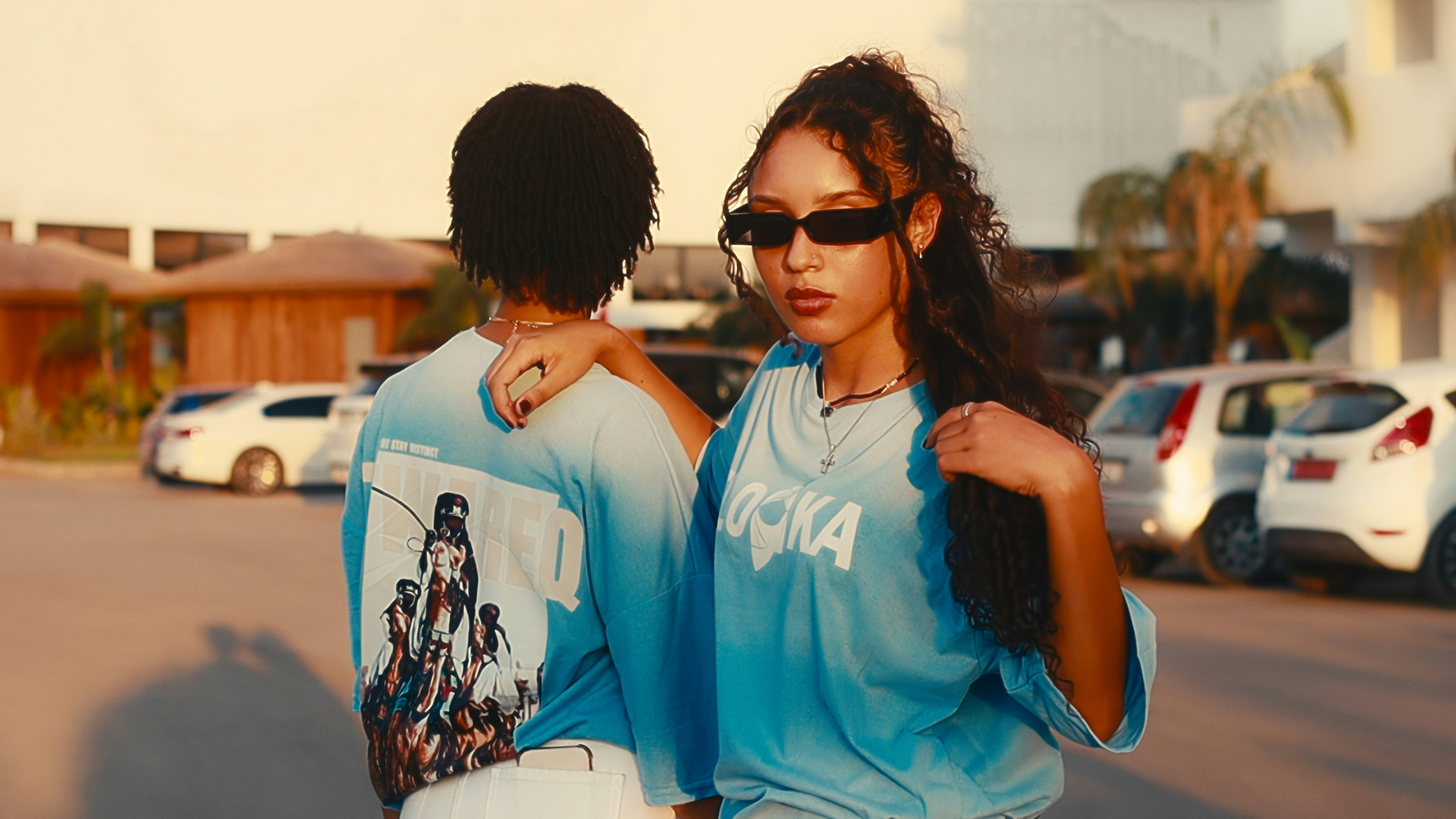 |
| size=200 |  |
| size=x80 |  |
| size=200&dppx=2 |  |
| size=200&trim-border |  |
| size=600, background prompt: An industrial loft interior with exposed brick and polished concrete. Soft morning light diffusing through large windows, creating subtle rim lighting. Out-of-focus modern design elements. | 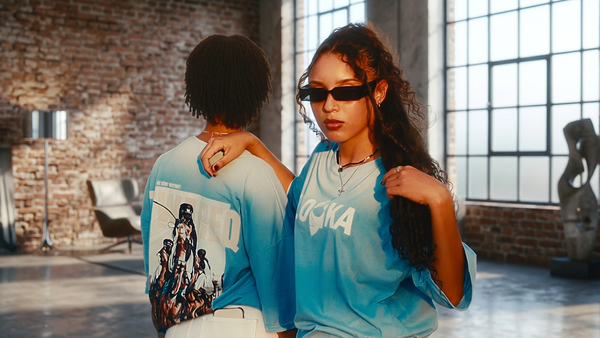 |