DNSCrypt server with vultr.com
After you have registered at Vultr.com and successfully logged in, click Deploy New Server.
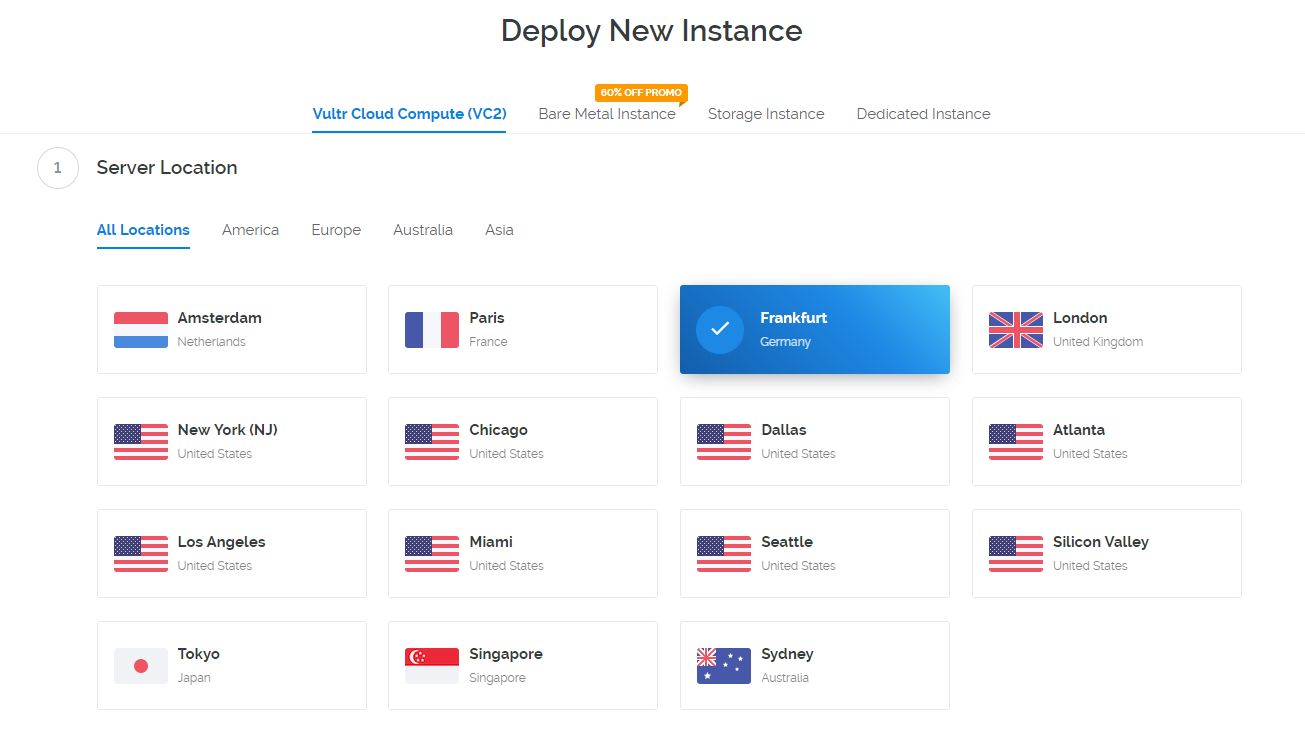
Then you have to select the location of your server. In this example, I chose Frankfurt.
Select Server Type: Application -> Docker -> CentOS 7.
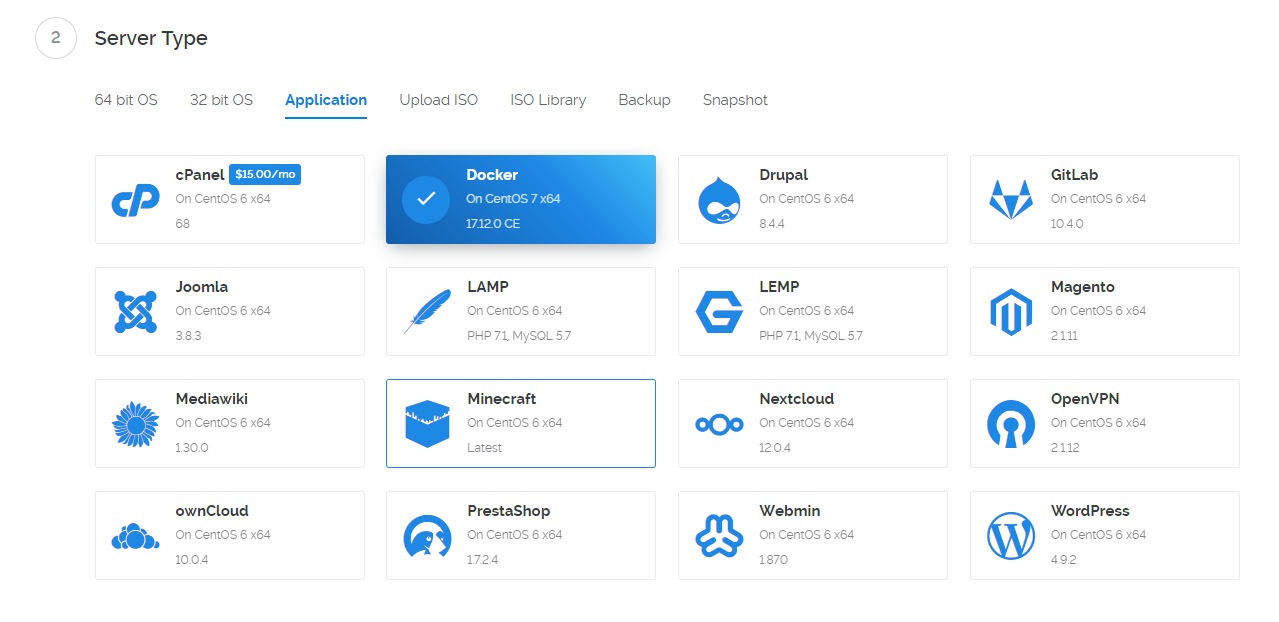
The $5 variant is quite sufficient.

Download and copy the following start script (type Boot): dnscrypt_install.sh

Choose a server name and click Deploy Now.
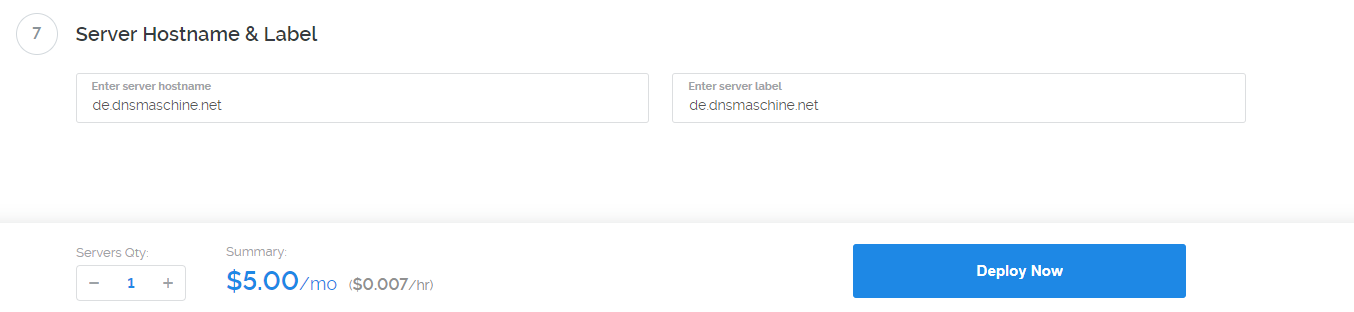
Note: This name will automatically be the name of your resolver.
The server will restart after a few minutes. Go have a cup of coffee and wait 5 - 10 minutes!
Log in via SSH (the IP address can be found in the Vultr.com web interface).

You can find your stamp (and all other keys) here: cat /root/keys/provider-info.txt
