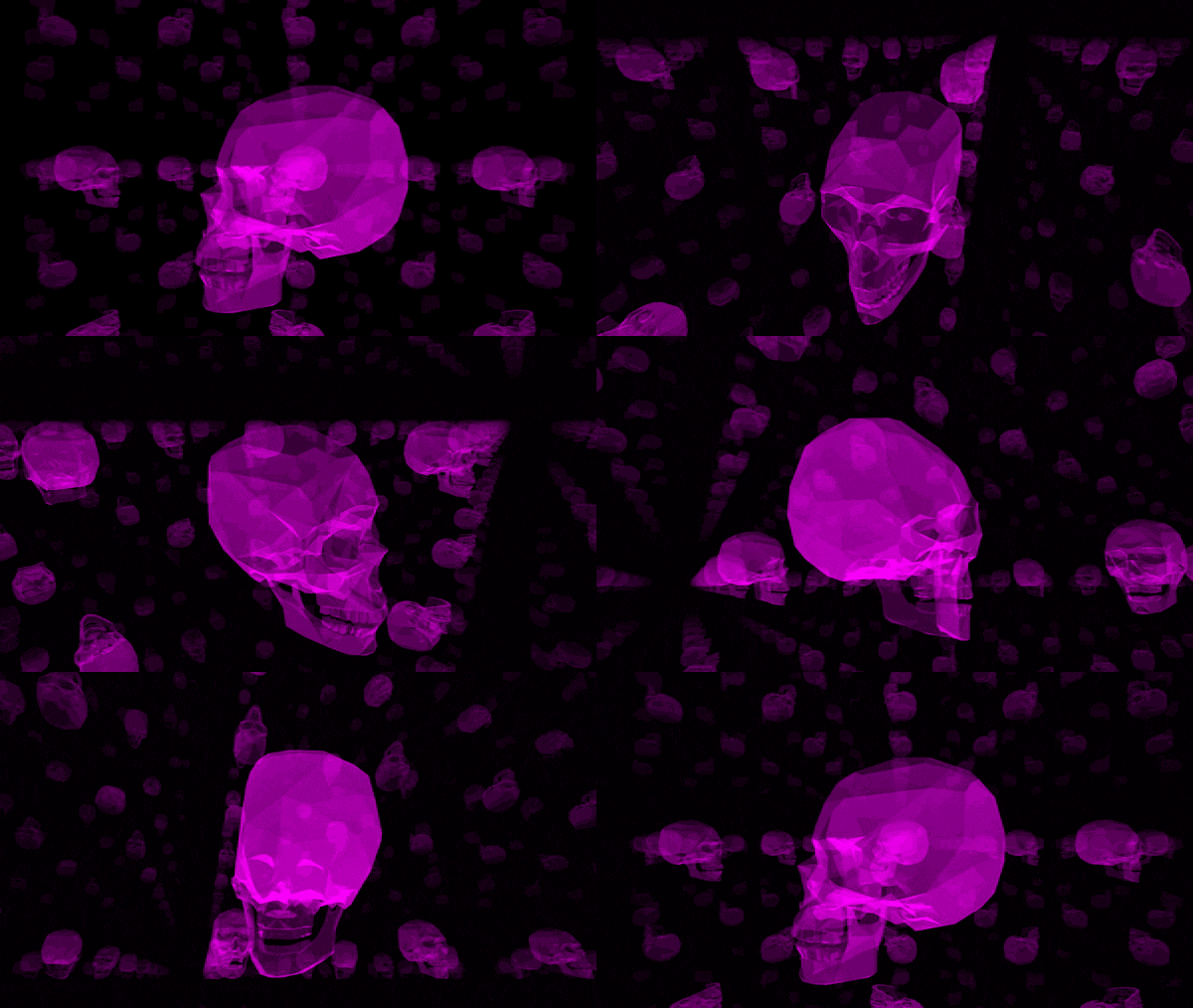
A raytracing program built from scratch in C language, using MinilibX minimal graphics library, with pseudo-xml files as input, a dynamic render realtime viewer, and the ability to save bmp at your resolution of choice, and the ability to render on multiple devices for faster distributed rendering.
This project's main goal is learning raytracing from scratch, making a simple pseudo-xml parser expandable by design, and distributing computational tasks using C sockets to implement cluster rendering.
The same C engine (reflection, refraction, soft shadows, procedural textures, all of it) is compiled to WebAssembly with Emscripten and rendered live by a pool of Web Workers — no rewrite, the engine source is shared between the native and web builds.
➡️ Live demo — drag to look around, WASD to move, click to aim and set the depth-of-field focus. 23 scenes ship with the demo: the originals from rt-scenes/ plus new showcases composed for the web build — a refraction gallery (IOR 1.05→2.05), a ray-marched Mandelbulb, a mirror room, a depth-of-field studio, a planetary ring rise, and an RGB light-mixing studio. Toggle shading options, apply filters, or open the Advanced panel to tune reflection/refraction depth, soft-shadow samples, DOF aperture and focus distance live. You can download your frame as a BMP exactly like the native --no_window mode writes it.
The web build lives in web/:
source ~/emsdk/emsdk_env.sh   # once: https://emscripten.org/docs/getting_started
make -C web                   # builds web/dist/ and serves as static files
make -C web test              # node smoke test: renders every bundled scene
GitHub Actions builds and publishes it on every push (.github/workflows/deploy-web.yml). Each Web Worker runs its own WASM instance and renders one vertical band of the image — the same band split the original pthread build used — so the pool needs no SharedArrayBuffer and works on GitHub Pages.
There is also a benchmark page, a browser rebuild of RTBench (2021): the frame is split into a 32×20 tile grid, tiles are handed to workers dynamically exactly like RTBench's next_cluster_index thread scheduling, pixels stream in live as each tile renders (per scanline, like the native window updates), finished tiles get a subtle outlined border, and the score is normalized by rendered samples (fixing the original's timing, which raced its threads and divided an arbitrary constant by microseconds). RTBench's own benchmark scenes ship too — including its 282-triangle "cat", which it turns out never actually rendered back then because every <ttriangle> tag was a typo the parser silently skipped.

- Simple shapes : sphere, cone, cylinder, ...
- Complex shapes : hyperboloid, torus, hollow cube, ...
- Shading : diffuse, specular, transparency, reflection, refraction
- Mappings : diffuse, specular, normal, transparency, reflection.
- Manipulations : plane cut, object limiting, texture cutting.
- Anti aliasing : 1x 2x 4x
- Smooth shadowing
- Parallel light
- 3d red-blue stereo rendering
- Mandelbulb fractal
make -C ./libs/MinilibX ; make
Open the scene specified in the gui view
./rt scene_file.xml
Render the scene to the bmp file
./rt --no_window save_file.bmp scene_file.xml
<scene ambiant="0.5" AA="4" resolution="720" light_samples="20"></scene>
<camera position="(10, 20, 80)" lookat="(0, 20, 0)" fov="40"></camera>
<light center="(0, 200, 20)"  radius="3" intensity="0.5" color="#FFFFFF"></light>
<light center="(0, 100, 100)"  radius="1" intensity="0.5" color="#FFFFFF"></light>
<cone length="30" center="(0, 10, 0)" color="#FF00FF" axis="(0, 1, 0)" radius="6"></cone>
<plane center="(0, -1, -10)" length="(60, 60)" U="(0, 1, 0)" V="(1, 0, 0)"  color="#D3D3D3"></plane>
 <plane center="(0, -1, 0)" length="(60, 60)"  U="(0, 0, 1)" V="(1, 0, 0)"  color="#D3D3D3"></plane>
<sphere center="(5, 10, 50)" color="#FF0000" radius="3"></sphere>
<ellipsoid center="(30, 3, -10)" axis="(10,5, 5)" translation="(3, 0, 0)" color="#000000" radius="4"></ellipsoid>
I invite you to discover more about the available tags and properties from the source code and the example scenes in rt-scenes

The GUI mode gives you the freedom of moving the camera, enabling and disabling some effects and saving the result to a bmp.


