
A dark VS Code theme built on deep navy surfaces with ruby and sea-blue accents —
sharp syntax, quiet chrome, made for long sessions.



Install from Marketplace · Report an issue
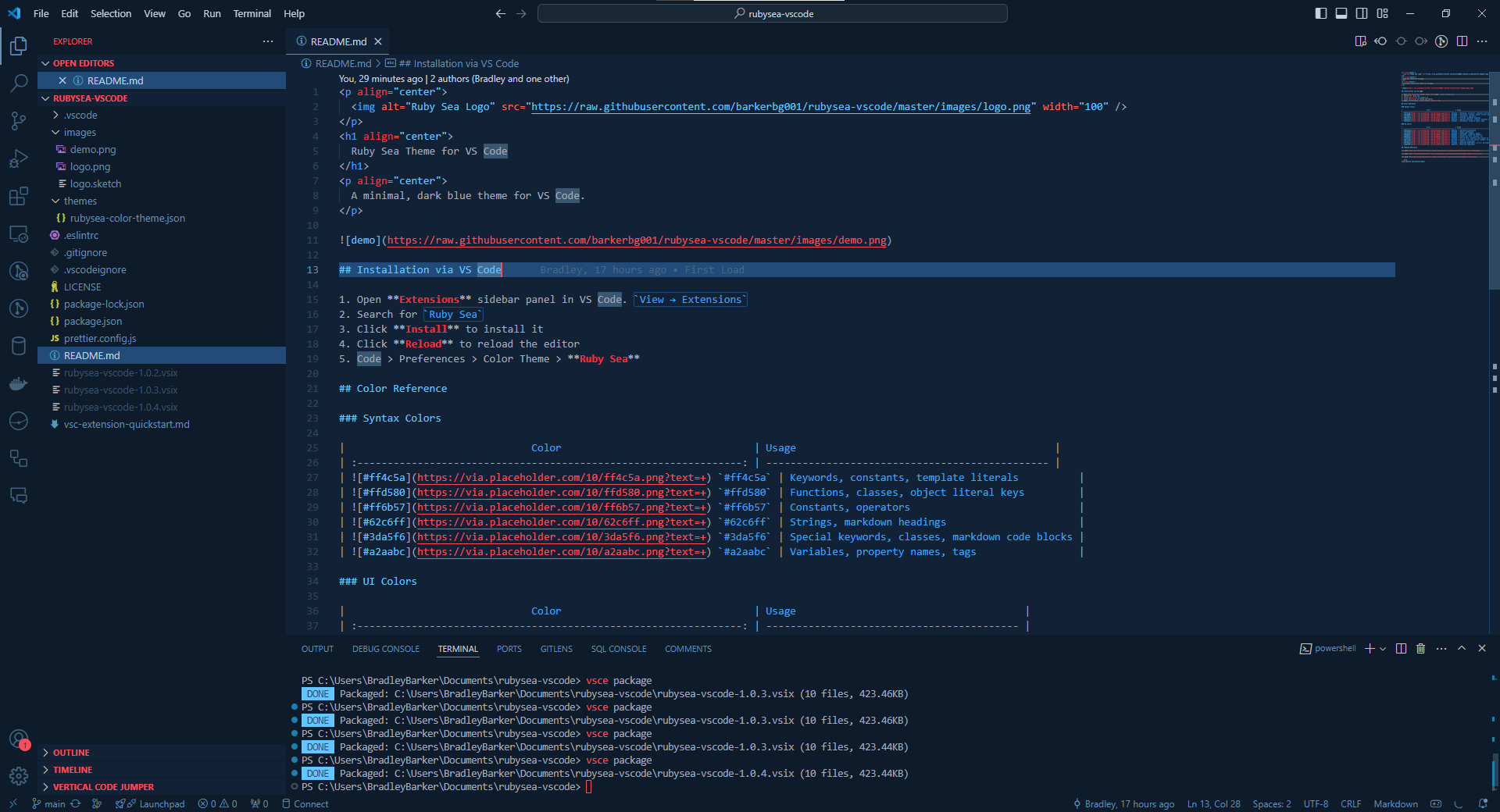
- Deep navy workbench —
#0e1b2a/#122236keep the UI calm so your code stays in focus - Ruby + sea accents — keywords and UI cues in
#ff4c5a, strings and diffs in cool blues - Semantic highlighting — token colors for functions, types, parameters, and properties
- Full workbench coverage — editor, sidebar, tabs, terminal, git decorations, and status bar
Marketplace
- Open Extensions (
Ctrl+Shift+X/Cmd+Shift+X) - Search for Ruby Sea
- Install, then pick the theme with
Ctrl+K Ctrl+T/Cmd+K Cmd+T
CLI
code --install-extension Barkerbg001.rubysea-vscodeVSIX
Download a release from Releases, then Extensions → ⋯ → Install from VSIX…
- Leave semantic highlighting on (VS Code default) — Ruby Sea is authored for it.
- Pair with a ligature font if you like (
Fira Code,JetBrains Mono,Cascadia Code). - Prefer a slightly taller line height on dark themes; it reduces visual fatigue.
- i18n — Nested locale JSON keys alternate ocean/coral; YAML keys/values stay distinct; ICU placeholders, gettext
.po, and Fluent.ftlpick up ruby accents. - Pydantic / Python — Base classes and type annotations use gold; validators and other decorators use ruby; docstrings stay muted. Best with semantic highlighting + Pylance.
- Color swatches — Hex /
rgb()/hsl()values get inline decorators (and a color picker). Toggle withrubysea.colorDecorators. - Rainbow CSV — CSV / TSV columns get alternating Ruby Sea colors; hover a cell for column index / header. Toggle with
rubysea.rainbowCsv.
Reference for anyone tweaking themes/rubysea-color-theme.json or matching Ruby Sea in another tool.
| Hex | Used for |
|---|---|
#ff4c5a |
Keywords, accents, template cues |
#ffd580 |
Functions, types, classes |
#ff6b57 |
Constants, operators |
#62c6ff |
Strings, additions |
#3da5f6 |
Parameters, properties, modified |
#a2aabc |
Default text, variables |
| Hex | Used for |
|---|---|
#0e1b2a |
Workbench background |
#122236 |
Editor background |
#214b78 |
Selections, panels, widgets |
#6592b3 |
Muted UI and comments |
#c5d3e0 |
Active / primary text |
#ff2d3b |
Deletions and hard errors |
npm install
npm run format    # apply Prettier formatting
npm run lint      # Prettier check
npm run package   # builds a .vsix
npm run publish   # publishes to the VS Code Marketplace
Press F5 in VS Code to launch an Extension Development Host and preview theme changes live.
Bug reports and PRs are welcome — especially screenshots of languages that look off.
- Fork and branch from
main - Tweak
themes/rubysea-color-theme.json - Open a PR with before/after notes when the change is visual