


Dev-only re-render visualizer for React Native. Wrap a component and watch it flash + count every time it re-renders. No Flipper, no native setup, no config. Ships nothing to production.
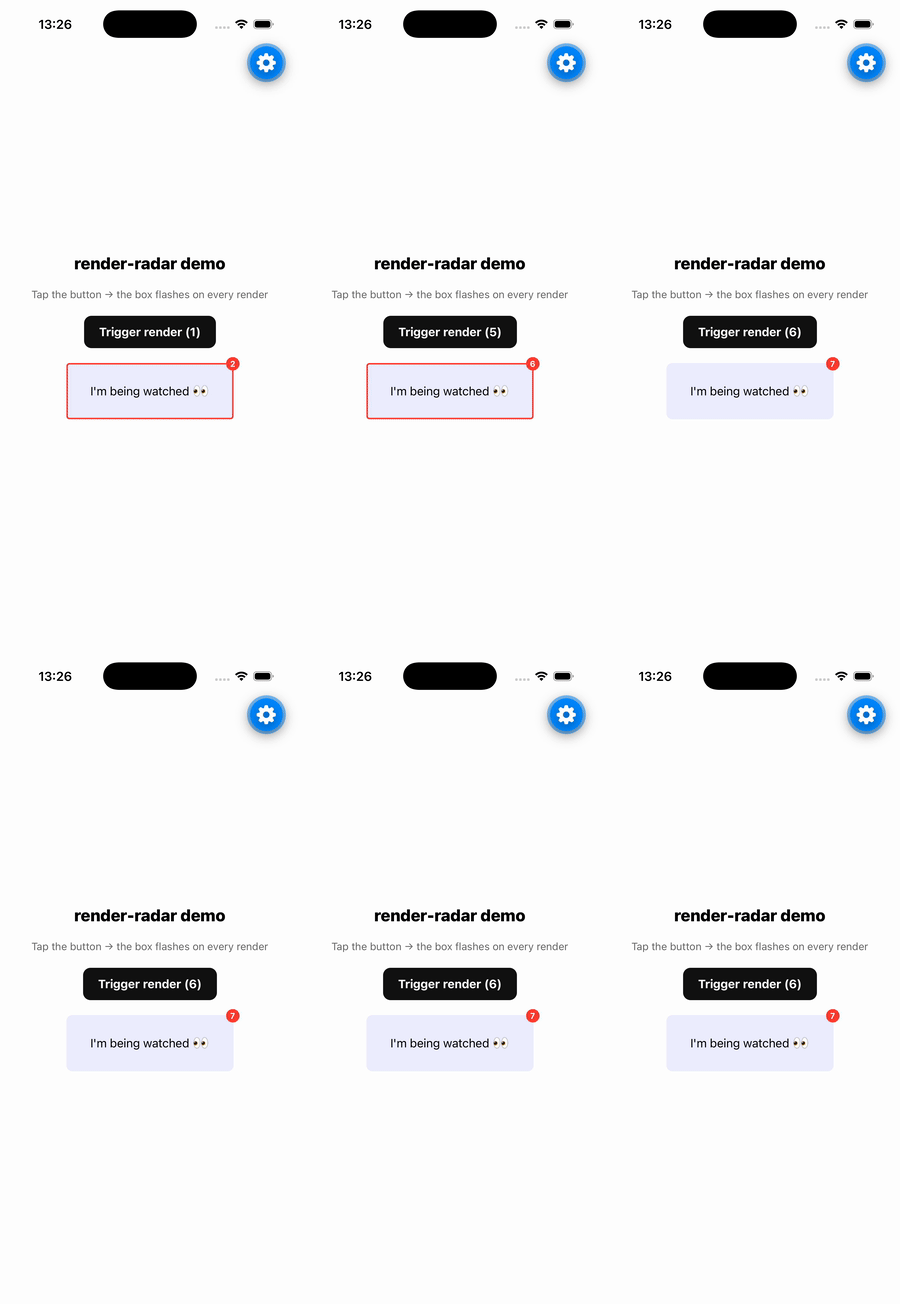
memo, useCallback and useMemo only help if you know what is actually
re-rendering. Flipper is deprecated and React DevTools' "highlight updates" is
awkward on React Native. render-radar gives you an in-app, zero-config answer:
a flashing border and a live counter on any component you point it at.
npm i -D render-radarWrap any component. In dev it draws a flashing border and a render counter; in
production it renders children and nothing else.
import { RenderRadar } from 'render-radar';

<RenderRadar name="ProductCard">
  <ProductCard {...props} />
</RenderRadar>;
Props:
| Prop | Type | Default | Description |
|---|---|---|---|
name |
string |
— | Label used in logs / future panel. |
color |
string |
'#ff3b30' |
Border + badge color. |
children |
ReactNode |
— | The subtree to watch. |
Returns how many times the component has rendered. Pass { log: true } to also
print to the console.
import { useRenderRadar } from 'render-radar';

function ProductCard(props) {
  const renderCount = useRenderRadar('ProductCard', { log: true });
  // ...
}Every API checks __DEV__. In a release build (__DEV__ === false):
<RenderRadar>renders onlychildren— no wrapperView, no overlay.useRenderRadarrecords nothing and never logs.
<RenderRadar name color? children>— wraps children, shows flash + counter on render.useRenderRadar(name, { log? }): number— current render count.renderStore— the underlying store (advanced / future tooling).
MIT