

Discover Listune Music for Discord Servers
Your music, wherever you play. Listen with friends in voice channels, launch the Discord Activity, or enjoy music from the web player.


Experience studio-grade audio streaming tailored for your community. Control playback seamlessly through Discord voice channels, an interactive real-time web dashboard, or native Discord Activities.
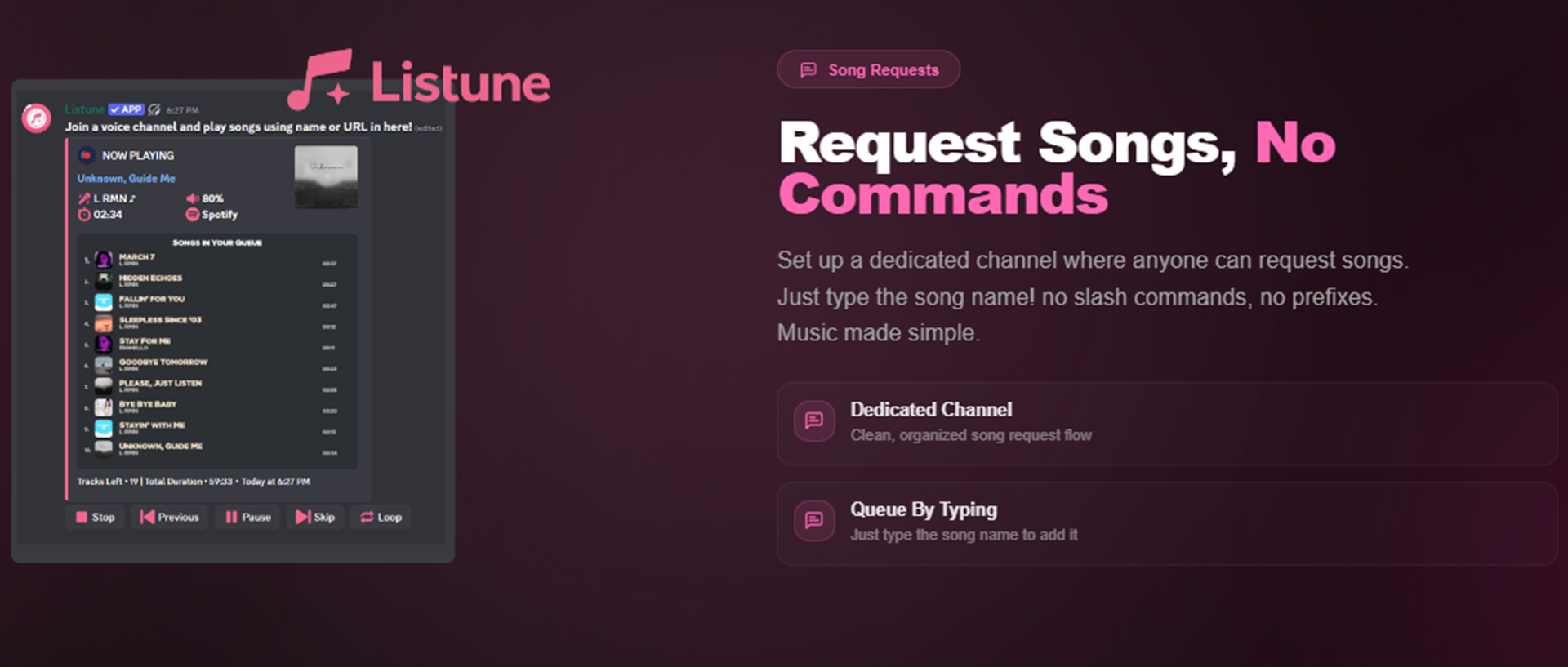
Set up a dedicated request channel where members can queue tracks effortlessly just by typing a song name or link—no slash commands or complex syntax required.
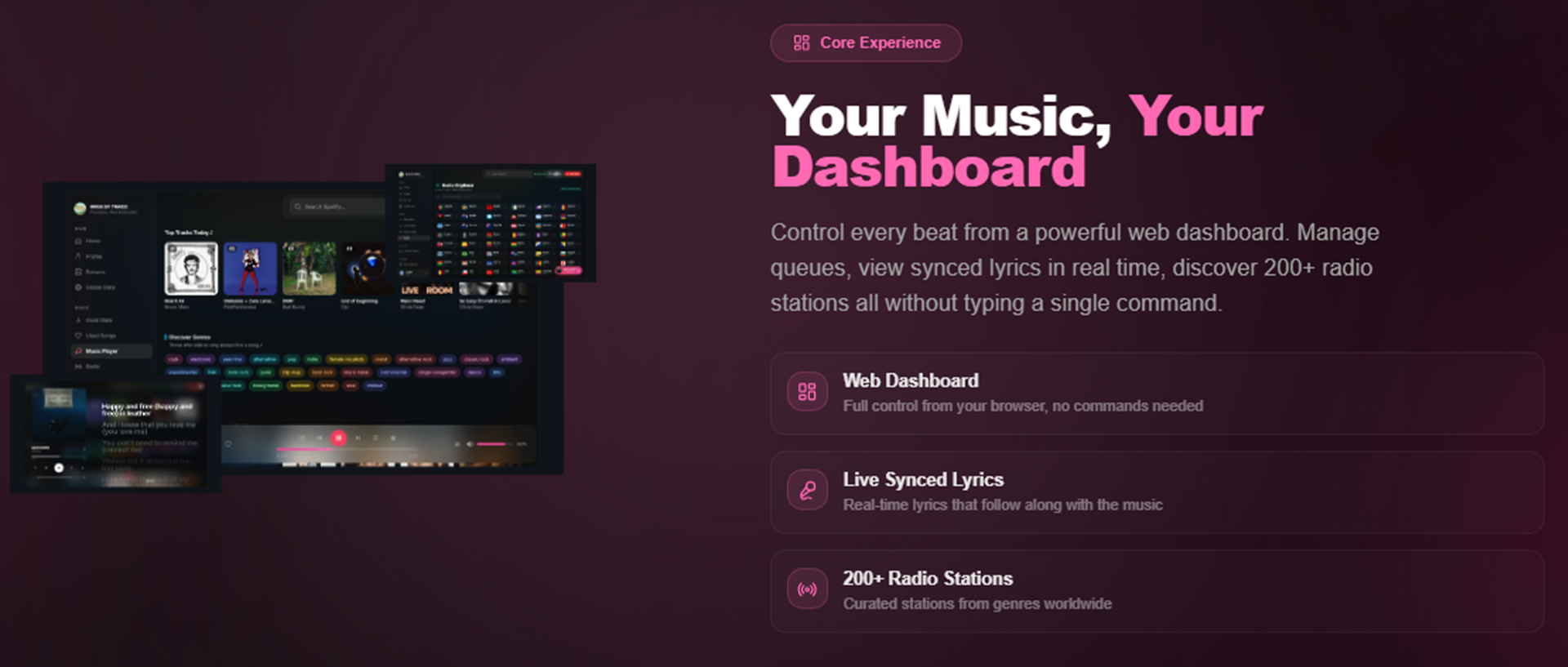
Manage queues in real time, sing along with synchronized lyrics, adjust audio filters, and explore 200+ global radio stations directly from your browser.
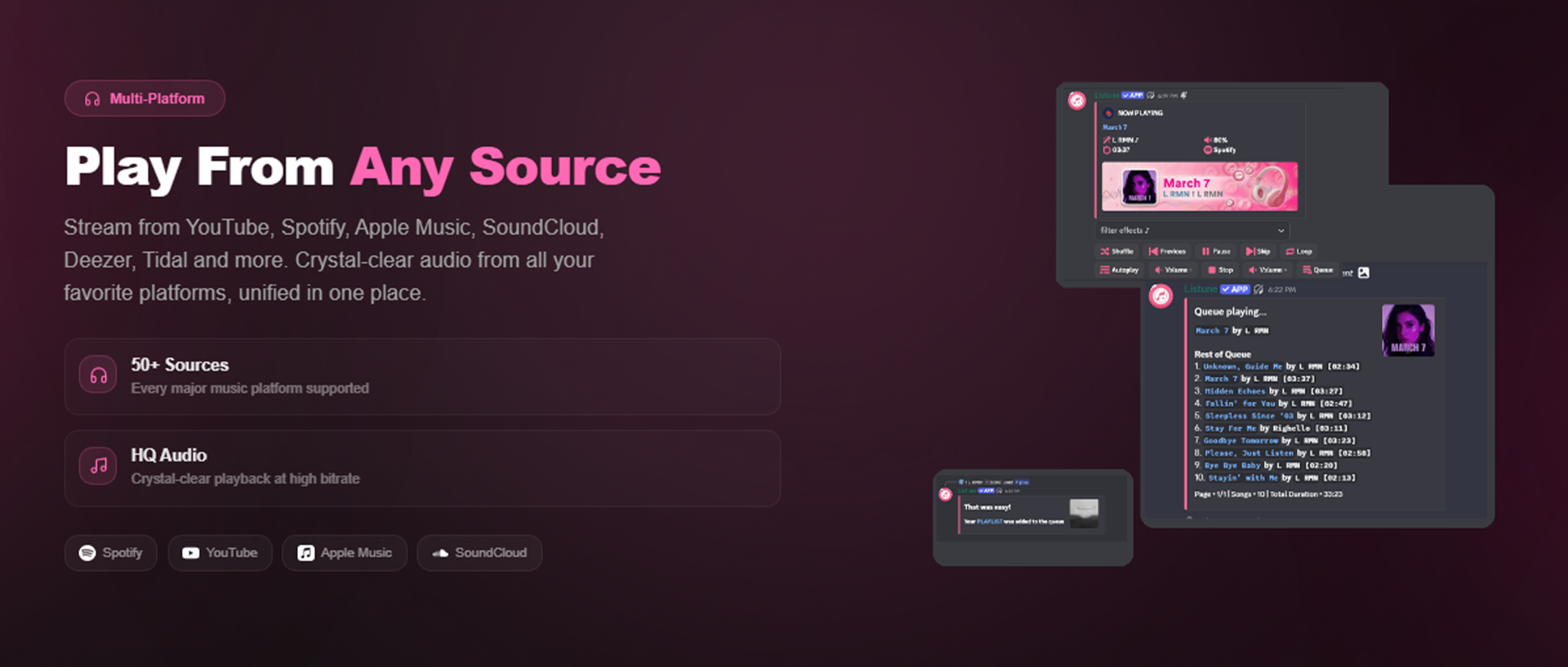
Stream seamlessly from Spotify, YouTube, Apple Music, SoundCloud, Deezer, Tidal, and more with optimized low latency and crystal-clear sound.
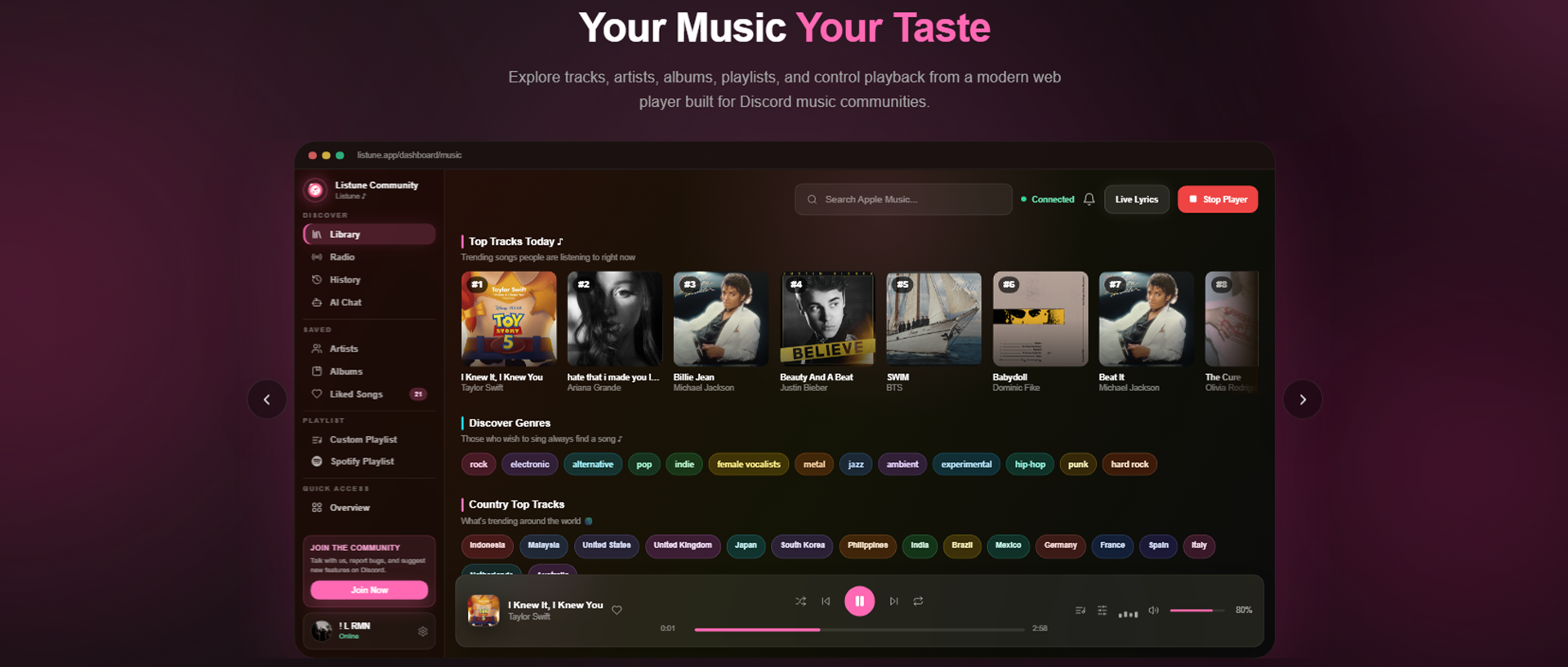
Browse global trending charts, explore curated genres, and organize your favorite tracks into custom playlists with ease.
- Modern Web Player & Remote Dashboard
- Discord Embedded Activities (Servers, DMs & Group DMs)
- Dedicated Song Request Channel (Queue by typing)
- Real-time Synchronized Lyrics
- 24/7 Playback & Auto-Reconnect
- 1000+ Global Radio Stations & Lo-Fi Streams
- Rich Multi-Platform Streaming Support
- Advanced Audio Equalizers & Filters
- Invite Listune to your Discord server.
- Visit our Documentation for a full command reference and setup guides.
- Start playing music with
/play.
