

SeatLayer is interactive seating chart software built for stadium scale. Platforms embed the white-label seat picker with their own checkout; organizers sell seated events on their own website with their own payment gateway.
Seat map SDK and API overview · Documentation · Seating chart demos · Support
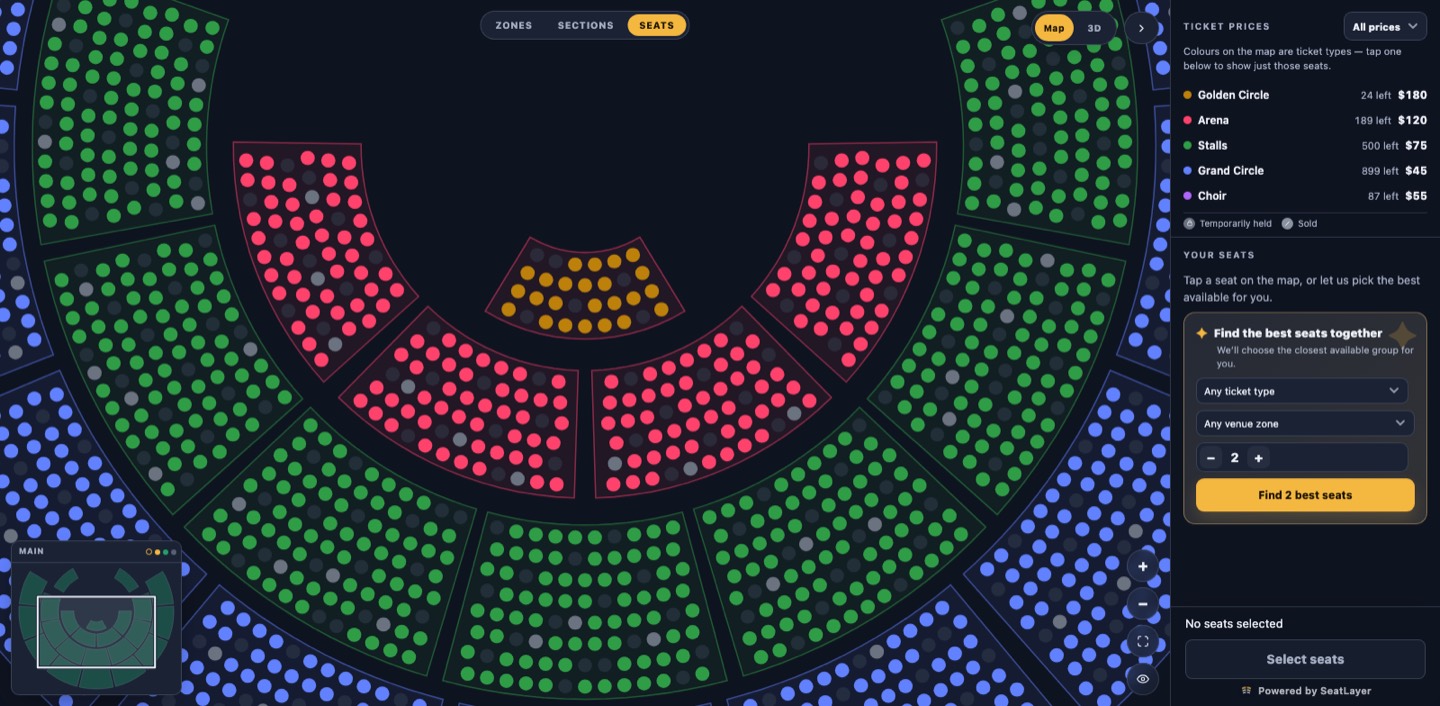
Try the Grand Theatre seat picker · Explore the 53,018-seat stadium · See the interactive 3D seat view
SeatLayer is benchmarked on public 100,000-, 150,000- and 200,000-seat venue fixtures: 200,000 seats chart-ready in 1.95 s with 58 FPS zoom and 60 FPS pan in a desktop benchmark (15 September 2026). Fixtures, method, all runs and SHA-256 manifests: https://github.com/seatlayer/seatlayer-performance · Try the 53,018-seat live demo: https://app.seatlayer.io/demo/play/large-stadium
| Platform | Package | Guide and examples |
|---|---|---|
| JavaScript / TypeScript | @seatlayer/js |
JavaScript seat map SDK |
| React | @seatlayer/react |
React seating chart components |
| Vue | @seatlayer/vue |
Vue seating chart components |
| Angular | @seatlayer/angular |
Angular seating chart components |
| Flutter | seatlayer |
Flutter seat picker SDK |
| React Native / Expo | @seatlayer/react-native |
React Native seat map SDK |
| Swift / SwiftUI | iOS Swift package | iOS seating chart SDK |
| Kotlin / Jetpack Compose | Android Maven package | Android seating chart SDK |
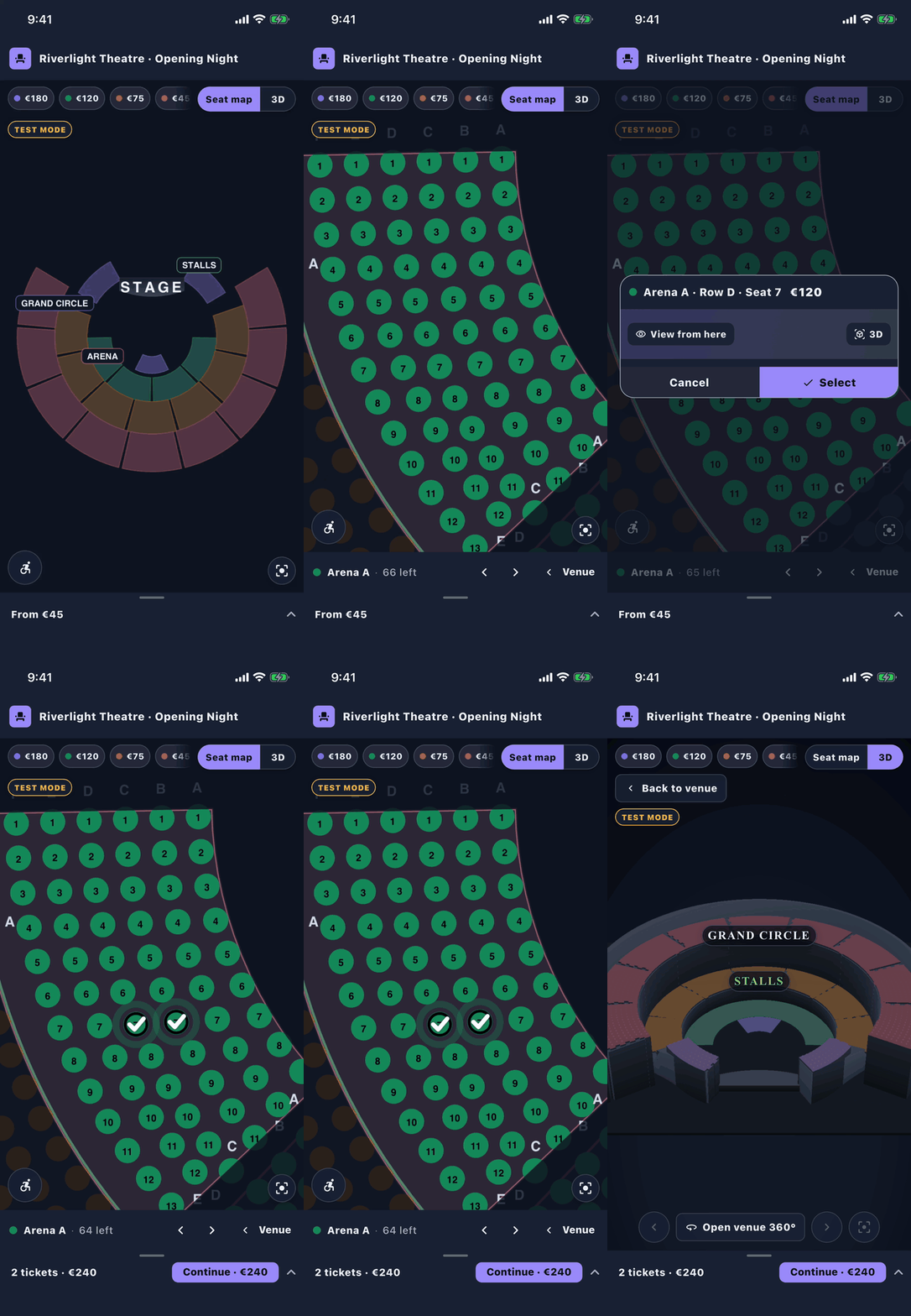
Use a server SDK to inspect holds, confirm bookings, manage events and inventory, and verify webhooks. In a Platform/SDK integration, your backend owns payment, orders, tickets, and refunds.
| Language | Package | Guide |
|---|---|---|
| Node.js | @seatlayer/server |
Node.js server SDK |
| Python | seatlayer |
Python server SDK |
| PHP | seatlayer/seatlayer-php |
PHP server SDK |
| Java | io.seatlayer:seatlayer-java |
Java server SDK |
| Go | github.com/seatlayer/seatlayer-go |
Go server SDK |
| Ruby | seatlayer |
Ruby server SDK |
| .NET | SeatLayer |
.NET server SDK |
- Customize the buyer UI: choose the complete picker or compose a chart with your own controls. Start with your platform guide above.
- Add 3D seat views: explore the interactive 3D seating chart and the supported buyer-view controls.
- Design venues inside your product: use embedded Designer sessions for chart authoring in your organizer interface.
- Work with agents: use the SeatLayer AI Toolkit for integration help and the buyer WebMCP tools for seat selection in compatible browser assistants.
- Try a large chart: open the 53,018-seat stadium demo and read the renderer performance documentation.
Managed Ticketing provides event pages and checkout using the organizer's connected payment account. The WordPress seating chart plugin embeds that buyer experience in an existing site. See the WordPress integration guide for the approved Managed account requirement and setup.